



Prevent Task Rot in Google Meet Recordings
Take a practical look at turning recorded conversations into work that actually moves forward.
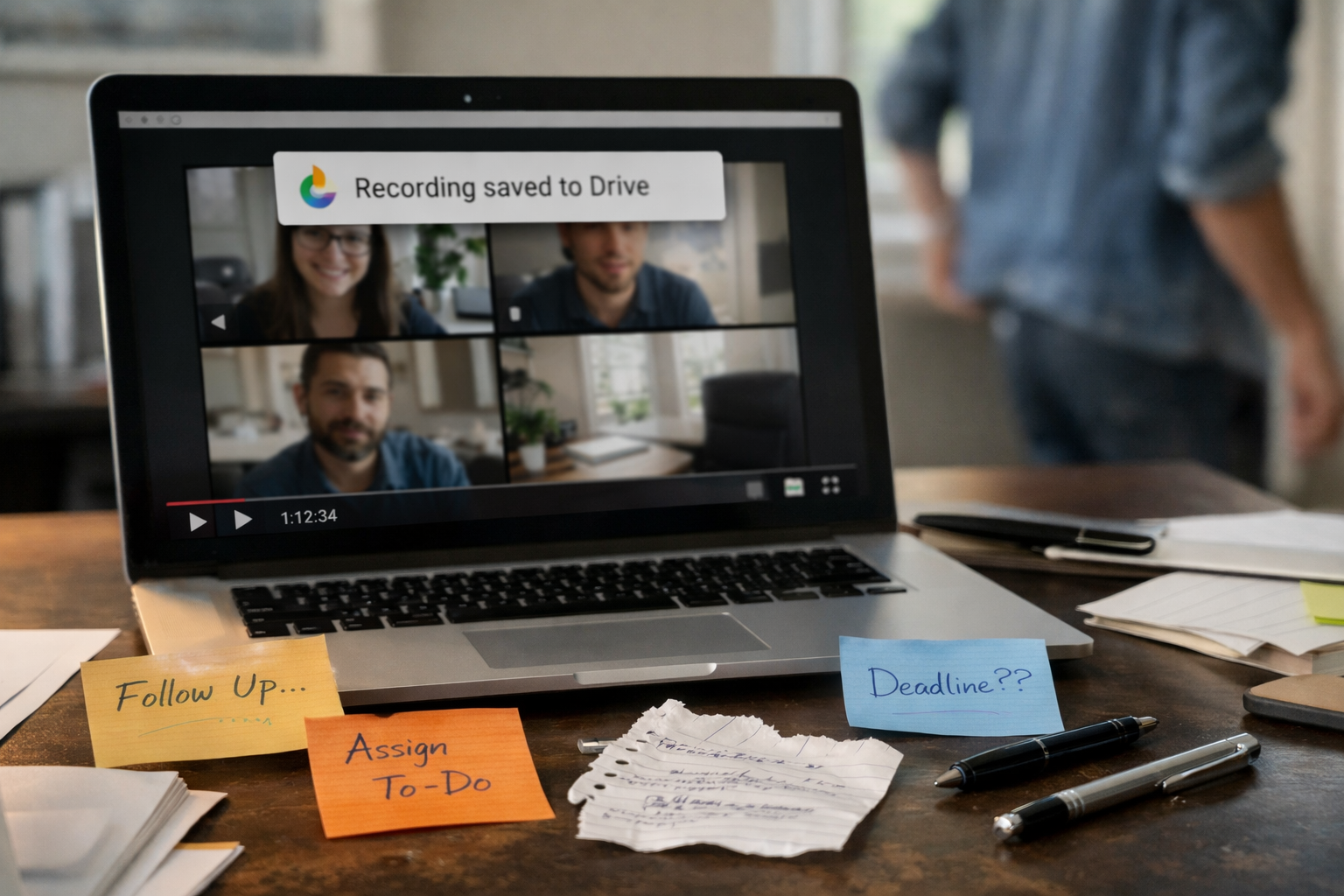
Google Meet Recordings That Quietly Kill Follow-Through
Over the years, we’ve noticed that Google Meet recordings tend to become passive storage. They hold decisions, context, and next steps inside long video files, but they don’t surface what matters most once the meeting is over.
What needs to happen next, who owns it, and where the work belongs.
Most teams don’t fail to follow through because the action items discussed during the meeting never get translated into clear, owned work while the context is still fresh. By the time someone opens the recording again, the urgency has faded, priorities have shifted, and momentum is already lost.
Google Meet recordings solve for memory.
They don’t solve for execution.
And without a system that bridges that gap, tasks quietly decay. Ownership becomes fuzzy. Follow-ups turn into Slack pings. Work slows down without any obvious breaking point.
This is how task rot starts.
What needs to happen next, who owns it, and where the work belongs.
Most teams don’t fail to follow through because the action items discussed during the meeting never get translated into clear, owned work while the context is still fresh. By the time someone opens the recording again, the urgency has faded, priorities have shifted, and momentum is already lost.
Google Meet recordings solve for memory.
They don’t solve for execution.
And without a system that bridges that gap, tasks quietly decay. Ownership becomes fuzzy. Follow-ups turn into Slack pings. Work slows down without any obvious breaking point.
This is how task rot starts.
The Five Stages of False Progress After Google Meet Recordings

The meeting ends
Decisions are made. Next steps are discussed. Everyone leaves the call with a shared sense of alignment.


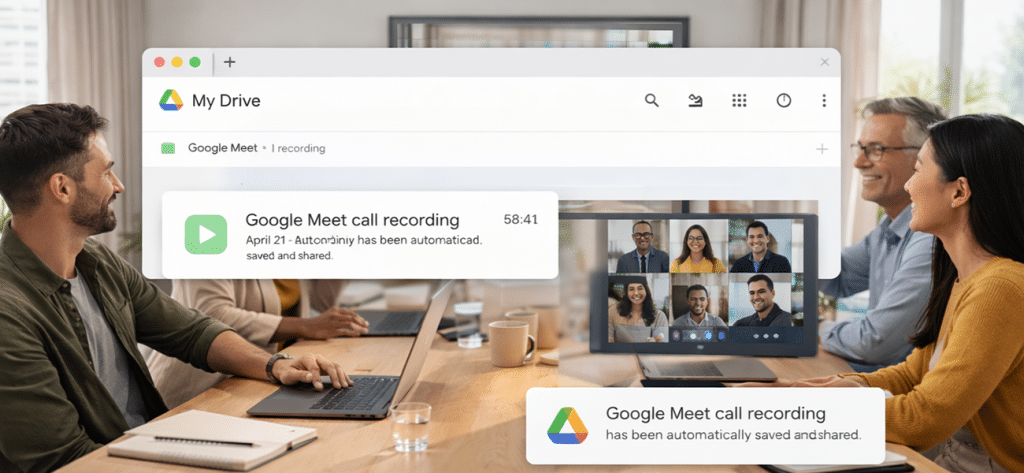
The recording saves to Drive
The file is automatically stored and shared. It feels responsible. It feels complete.

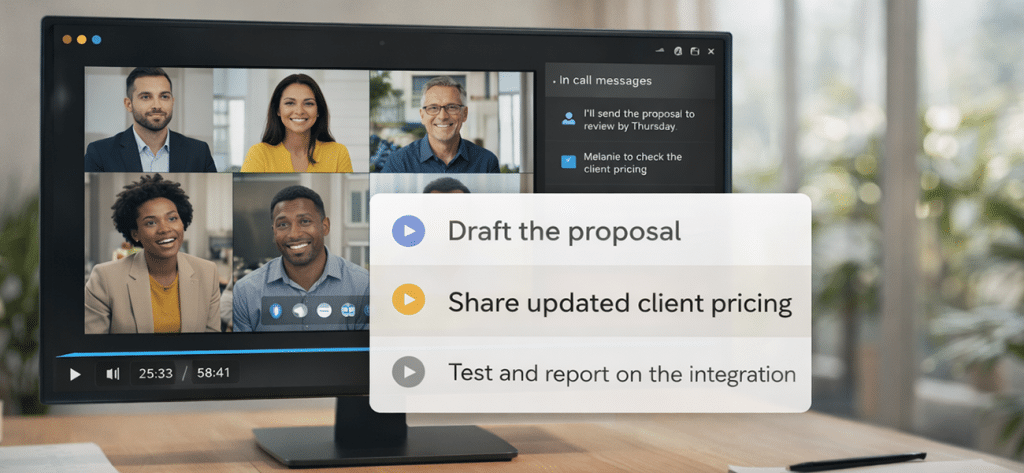
Action items stay embedded in conversation
Tasks live inside a 60-minute video instead of being pulled out while the context is fresh.

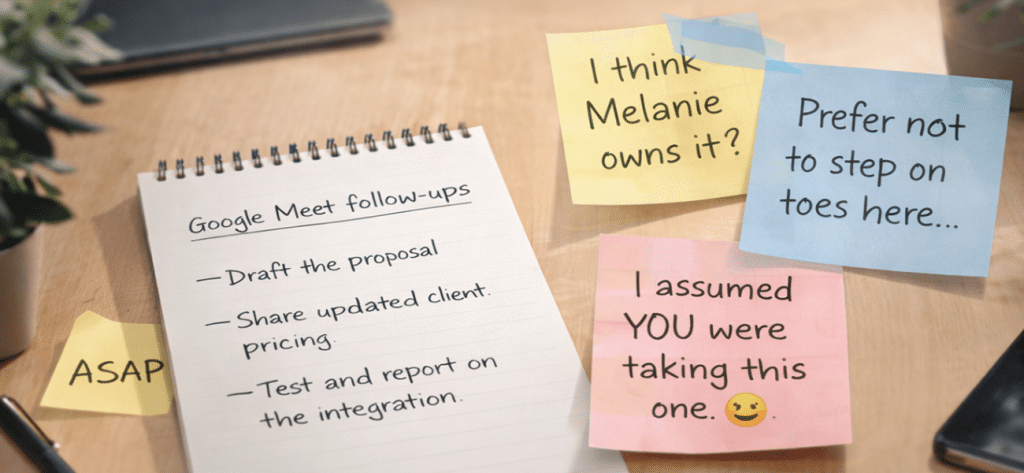
Ownership becomes assumed
Someone is expected to extract the work later, but no one is explicitly accountable for doing it.

Follow-through depends on memory
Days pass. Priorities shift. Slack messages replace structure. The recording stays untouched.
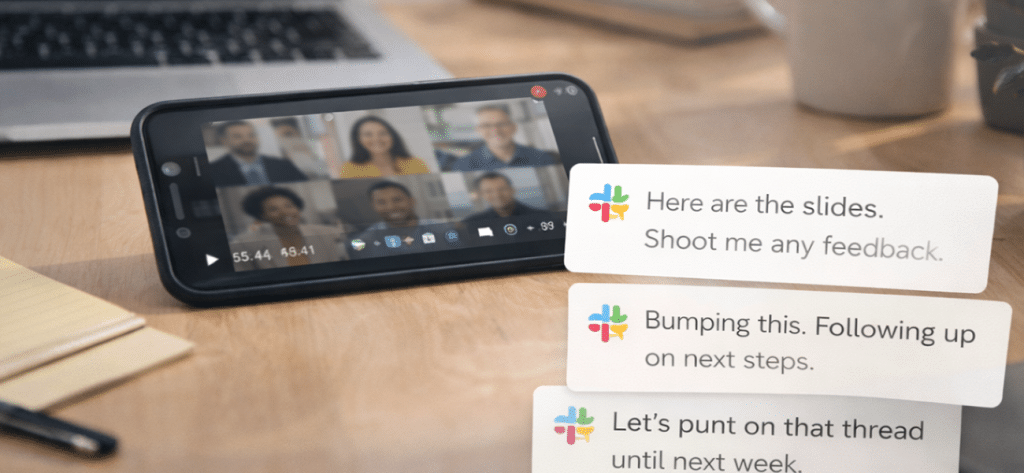
Stop Treating Google Meet Recordings As Storage
Once a meeting is saved, it feels finished. The conversation is captured, the file exists, and the responsibility to act quietly dissolves into “we can always come back to it.” That sense of completion is misleading.
Execution doesn’t happen inside recordings. It happens when decisions are pulled out, clarified, and placed into a system that knows what to do with them next. Without that bridge, Google Meet recordings simply preserve conversations while work drifts elsewhere.
The shift isn’t about recording better meetings.
It’s about changing what recordings trigger after the meeting ends.
When recordings are treated as signals instead of storage, action items don’t sit idle. They surface while context is still fresh, ownership is still clear, and momentum hasn’t faded. That’s the difference between documentation and execution.
Execution doesn’t happen inside recordings. It happens when decisions are pulled out, clarified, and placed into a system that knows what to do with them next. Without that bridge, Google Meet recordings simply preserve conversations while work drifts elsewhere.
The shift isn’t about recording better meetings.
It’s about changing what recordings trigger after the meeting ends.
When recordings are treated as signals instead of storage, action items don’t sit idle. They surface while context is still fresh, ownership is still clear, and momentum hasn’t faded. That’s the difference between documentation and execution.
This is the moment that matters
Before ownership blurs and follow-through depends on memory, some teams capture action while context is still intact.
Break the Cycle
Most teams save their Google Meet recordings, share the links, and move on. We were guilty of this, too.
We recorded the meetings. We saved the files. We told ourselves we’d come back to them. And then we watched the same thing happen over and over again: decisions stalled, ownership blurred, and follow-through quietly disappeared.
That frustration is what led us to build TALK-to-TASKS™.
Not to replace Google Meet. Not to change how teams run meetings. But to fix the moment right after the recording is saved, when work either moves forward or starts to decay.
Teams that prevent task rot don’t work harder after meetings. They act sooner. They treat the recording as a trigger, not storage. While context is still fresh, they pull out the decisions that matter, clarify what needs to happen next, and assign ownership before assumptions creep in.
When teams fix that handoff, Google Meet recordings stop pretending work is done and start moving it forward.
We recorded the meetings. We saved the files. We told ourselves we’d come back to them. And then we watched the same thing happen over and over again: decisions stalled, ownership blurred, and follow-through quietly disappeared.
That frustration is what led us to build TALK-to-TASKS™.
Not to replace Google Meet. Not to change how teams run meetings. But to fix the moment right after the recording is saved, when work either moves forward or starts to decay.
Teams that prevent task rot don’t work harder after meetings. They act sooner. They treat the recording as a trigger, not storage. While context is still fresh, they pull out the decisions that matter, clarify what needs to happen next, and assign ownership before assumptions creep in.
When teams fix that handoff, Google Meet recordings stop pretending work is done and start moving it forward.
How TALK-to-TASKS Works With Google Meet Recordings
Google Meet recordings become useful when teams pull work out of them while context is still intact.
TALK-to-TASKS is designed to operate in that narrow window right after a meeting ends, before decisions lose clarity and ownership starts to blur.
Here’s how the flow works.
TALK-to-TASKS is designed to operate in that narrow window right after a meeting ends, before decisions lose clarity and ownership starts to blur.
Here’s how the flow works.
1. Record the meeting in Google Meet
Teams run meetings exactly as they already do. No changes, no new habits required.
2. Share the recording
Once the meeting ends, the recording is uploaded or linked into TALK-to-TASKS. Most teams use a Google Drive link, but files can also be uploaded directly or shared through Slack.
3. Identify actionable work
TALK-to-TASKS scans the conversation for real action items, not transcripts or summaries. The focus stays on what needs to happen next.
4. Review and refine
Before anything moves forward, a human review step ensures tasks are clear, accurate, and phrased the way the team actually works.
5. Route tasks into existing tools
Approved tasks are sent directly into the systems teams already use, like Notion, Monday, Asana, or Trello, with ownership and context intact.
At that point, the recording fades into the background.
The work doesn’t.
The Gap Most Tools Leave After Google Meet Recordings
Most tools try to solve the meeting problem with more automation. They capture more data, generate more output, and assume teams will sort it out later.
Governance works differently. Instead of producing more information, it controls what happens next. It ensures work moves to the right place, with the right owner, at the right time. Without governance, automation just creates faster confusion.
Governance works differently. Instead of producing more information, it controls what happens next. It ensures work moves to the right place, with the right owner, at the right time. Without governance, automation just creates faster confusion.
| Typical AI Meeting Tools | TALK-to-TASKS |
|---|---|
| Capture transcripts and summaries | Extract actionable work |
| Treat recordings as documentation | Treat recordings as execution triggers |
| Place tasks in a single list or workspace | Route tasks to the right project and owner |
| Assume manual cleanup later | Add a human review before anything moves |
| Create another inbox to manage | Work inside existing tools and workflows |
| End at “what was said” | Focus on “what happens next” |
Who This Is For And Who It Isn’t
TALK-to-TASKS works best for teams that expect meetings to move work forward, not just document what was said. It solves a very specific problem: what happens after meetings when decisions need to turn into owned work. Some teams need that structure. Others don’t.
| Good Fit | Not a Fit |
|---|---|
| You rely on Google Meet recordings but rarely revisit them | You only want transcripts or summaries |
| Meetings produce real decisions and follow-ups | Meetings don’t result in action items |
| Work needs to land in specific tools or projects | Tasks don’t need structured routing |
| Ownership and accountability matter | You prefer fully automated task creation with no review |
| You want AI support with human control | You’re looking for a hands-off, black-box solution |
Privacy, Control, and What Happens to Your Data
TALK-to-TASKS is designed for teams that care about follow-through and governance, which includes how data is handled.
Google Meet recordings are processed only to extract actionable work. They aren’t stored long-term, reused, or treated as training material. Drive links are respected, files aren’t downloaded unnecessarily, and nothing runs automatically without intent.
Most importantly, nothing moves forward without review.
Teams stay in control of what becomes a task, how it’s phrased, and where it goes next. The system supports execution, but people retain authority over decisions and ownership.
That balance—automation with oversight—is what allows teams to trust the output and actually use it.
Google Meet recordings are processed only to extract actionable work. They aren’t stored long-term, reused, or treated as training material. Drive links are respected, files aren’t downloaded unnecessarily, and nothing runs automatically without intent.
Most importantly, nothing moves forward without review.
Teams stay in control of what becomes a task, how it’s phrased, and where it goes next. The system supports execution, but people retain authority over decisions and ownership.
That balance—automation with oversight—is what allows teams to trust the output and actually use it.
See How Google Meet Recordings Turn Into Action
If Google Meet recordings feel useful in the moment but unreliable afterward, the next step is understanding how teams fix the handoff after meetings.
Explore how recorded conversations become reviewed, routed work—without changing how meetings are run or adding another system to manage.
Explore how recorded conversations become reviewed, routed work—without changing how meetings are run or adding another system to manage.
